
Saving Hours Every Week With Business Automation
Business automation is no longer just for large companies. Follow-ups, reminders, lead assignments and status updates can all run automatically — helping service businesses save hours every week, reduce missed opportunities and dramatically improve response times.
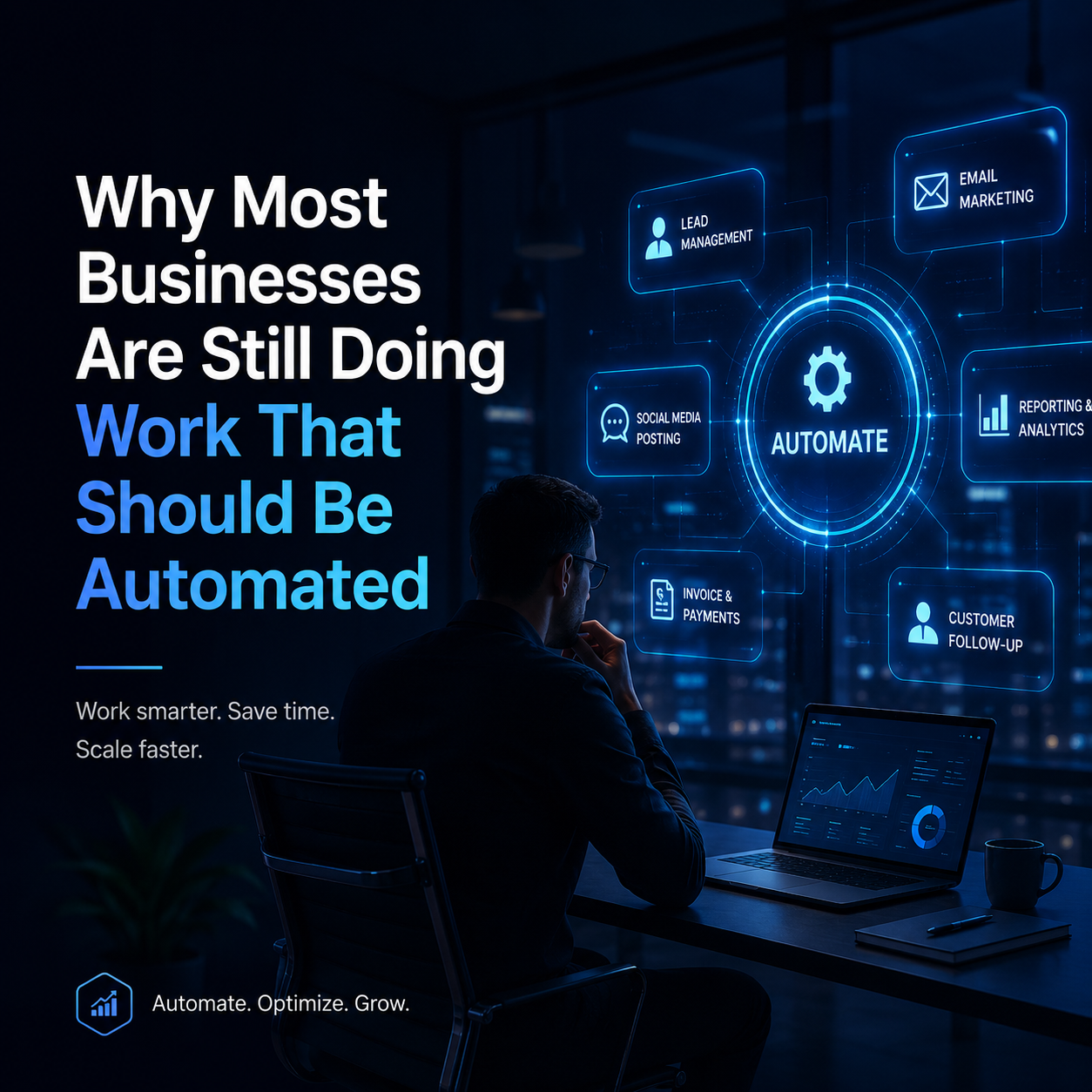
Learn which repetitive tasks create the biggest time loss inside growing service businesses.
See how automated lead assignment and follow-up reduce delays and improve conversion.
Understand why automation works best when your website and CRM are properly connected.
Build a practical automation system without overcomplicating your team or workflow.
Most businesses do not have a lead problem only. They have a response problem, a follow-up problem and a visibility problem. Leads come in through the website, social media, ads, phone calls or referrals, but the next step often depends on someone remembering to act.
That is where business automation becomes powerful. Instead of relying on manual reminders, spreadsheets, inboxes and team memory, automation creates a clear system that moves work forward in the background. It does not replace people. It removes repetitive admin so your team can focus on better conversations, better service and better sales.
When the same important tasks happen every time — follow-ups, reminders, lead updates and status changes — your business becomes easier to manage and easier to scale.
Why Most Businesses Are Still Doing Manual Work
Many service businesses grow faster than their systems. At the beginning, manual work feels manageable. A few leads arrive each week. Someone replies to emails. Someone updates a spreadsheet. Someone remembers to call the client back.
But as enquiries increase, small manual tasks become operational friction. A lead might wait too long for a reply. A project status might not be updated. A client might need to chase the team for information. A salesperson might forget to follow up because they were focused on another urgent task.
This is especially common in project-driven businesses, local service companies, construction businesses, agencies and growing teams. The issue is not that people are careless. The issue is that the business is depending on manual effort for tasks that should be handled by a system.
Common tasks still handled manually
- Sending follow-up emails after a website enquiry
- Assigning new leads to the right team member
- Updating lead status inside a CRM
- Sending internal reminders before a call or consultation
- Notifying sales teams when a high-value enquiry arrives
- Moving leads between pipeline stages
- Sending confirmation messages after a form submission
- Creating weekly reports manually
These tasks are important, but they do not need to consume hours every week. With the right workflow automation system, they can run automatically and consistently.

What Business Automation Actually Means
Business automation means using connected tools to perform repetitive actions automatically. For example, when someone submits a form on your website, the system can instantly create a CRM record, assign the lead to the right person, send an internal notification, trigger a confirmation email and schedule a follow-up reminder.
A strong automation system connects the most important parts of your business. Your website captures the lead. Your CRM organises the lead. Your automation tools trigger the next steps. Your reporting shows what is working.
Simple example of an automated lead workflow
- A visitor completes a website form.
- The lead is added to your CRM automatically.
- The system assigns the lead based on location, service type or enquiry value.
- The client receives a confirmation message.
- Your team receives an internal notification.
- A follow-up reminder is scheduled automatically.
- The lead status updates as the conversation progresses.
This is the difference between a business that reacts manually and a business that operates through a connected digital system.
The Business Tasks You Should Automate First
Not every task needs automation immediately. The best starting point is to look for tasks that are repetitive, time-sensitive and easy to standardise. These are usually the areas where automation creates the fastest return.
If your business receives leads from Google Ads, SEO, social media or referrals, automation can help you respond faster and manage every opportunity more clearly. This is why digital marketing should not sit separately from CRM and automation. Traffic only becomes valuable when it is captured, followed up and tracked properly.
Why Faster Response Times Improve Conversion
Speed matters. When someone submits an enquiry, they are usually comparing options. If your business replies quickly and professionally, you create trust before competitors even respond.
Automated follow-ups help your business stay present without relying on someone manually checking every inbox. A lead can receive an instant confirmation, your team can get notified, and the next action can be scheduled immediately.
This does not mean every message should feel robotic. The goal is to automate the process while keeping the communication human. Good automation should feel helpful, timely and relevant.
The best systems do not just save time internally. They also make the customer feel guided, informed and taken care of from the first enquiry.
Why CRM Automation Is the Centre of the System
A CRM is where your leads, clients and opportunities should be organised. But a CRM only works well when it is updated consistently. If your team has to manually enter every lead, change every status and remember every follow-up, the system can quickly become outdated.
CRM automation solves this by keeping records updated as actions happen. When a new enquiry arrives, it can be created automatically. When a consultation is booked, the status can change. When a proposal is sent, a follow-up can be scheduled.
This is why a connected CRM and lead management system is one of the most valuable foundations for any growing service business.

What a good CRM automation setup can do
- Capture leads from website forms and landing pages
- Segment leads by service type, location or enquiry source
- Assign leads to sales or admin team members
- Trigger email or SMS follow-up sequences
- Track where each lead came from
- Show which campaigns generate real enquiries
- Reduce the chance of leads being forgotten
Tools like HubSpot, Zoho CRM, Salesforce, Mailchimp, Google Analytics and automation platforms can all support this type of system when connected correctly. For businesses focused on search visibility, Google also provides useful guidance through Google Search Central. For tracking website activity, Google Analytics can help measure user behaviour and lead performance. Platforms such as HubSpot CRM also show how CRM systems can centralise lead and customer data.
Common Automation Mistakes Businesses Make
Automation can create clarity, but only when it is planned properly. A common mistake is automating a messy process before fixing the process itself. If your lead stages are unclear, your forms ask the wrong questions or your team does not know who owns each step, automation may simply make the confusion happen faster.
1. Automating without a clear workflow
Before building automations, map the journey from first enquiry to booked call, quote, sale or project delivery. Every automation should support a clear business outcome.
2. Sending too many automated messages
Automation should not overwhelm the customer. Use it to send timely, helpful messages, not unnecessary communication.
3. Not connecting website forms to the CRM
If enquiries still arrive only by email, your team may lose visibility. A website form should ideally create or update a lead record automatically.
4. Forgetting reporting
Automation should also help you understand what is working. If you cannot see which source generated the enquiry, you cannot confidently improve your marketing.
How to Start With Business Automation Without Overcomplicating It
The best way to begin is not to automate everything at once. Start with one workflow that creates clear value. For many businesses, that first workflow is lead capture and follow-up.
A simple starting system could include a website form, CRM record creation, automatic lead assignment, internal notification, confirmation email and follow-up reminder. Once that works well, you can add more advanced steps such as lead scoring, email sequences, booking automation, proposal tracking and reporting dashboards.
A practical automation roadmap
- Audit your current process: Identify where time is lost and where leads are delayed.
- Define the ideal lead journey: Map what should happen after every enquiry.
- Connect your website and CRM: Make sure leads are captured in one organised place.
- Automate follow-ups and reminders: Remove the need to remember every manual action.
- Track performance: Measure lead source, response time and conversion activity.
- Improve over time: Refine the system based on real data and team feedback.
At 3D Marketing Web, we focus on building connected digital systems where websites, CRM, automation and reporting work together. The goal is not just to build a good-looking website. The goal is to create a system that helps your business attract, capture, manage and convert leads more effectively.
Want to automate your follow-ups and lead management?
Get a free strategy call and see how your website, CRM and automation could work together to save time and improve response times.
Business Automation Is No Longer Optional
Businesses that still rely on manual follow-ups, scattered spreadsheets and disconnected tools are likely losing time every week. More importantly, they may be losing opportunities without realising it.
Business automation helps create a more reliable system. Leads are captured properly. Follow-ups happen faster. Team members know what needs to happen next. Reporting becomes clearer. Customers receive a better experience.
The businesses that benefit most from automation are not always the biggest. They are the ones that decide to stop repeating the same manual tasks and start building a smarter operational foundation.
If your business is already investing in websites, SEO, Google Ads, social media or content, automation helps make sure those efforts do not disappear after the enquiry arrives. It connects your marketing with your sales process, your CRM and your team’s daily workflow.
Ready to Save Hours Every Week?
If your team is still manually chasing follow-ups, assigning leads, updating statuses and building reports, now is the right time to create a smarter system.